
Individuals
Table
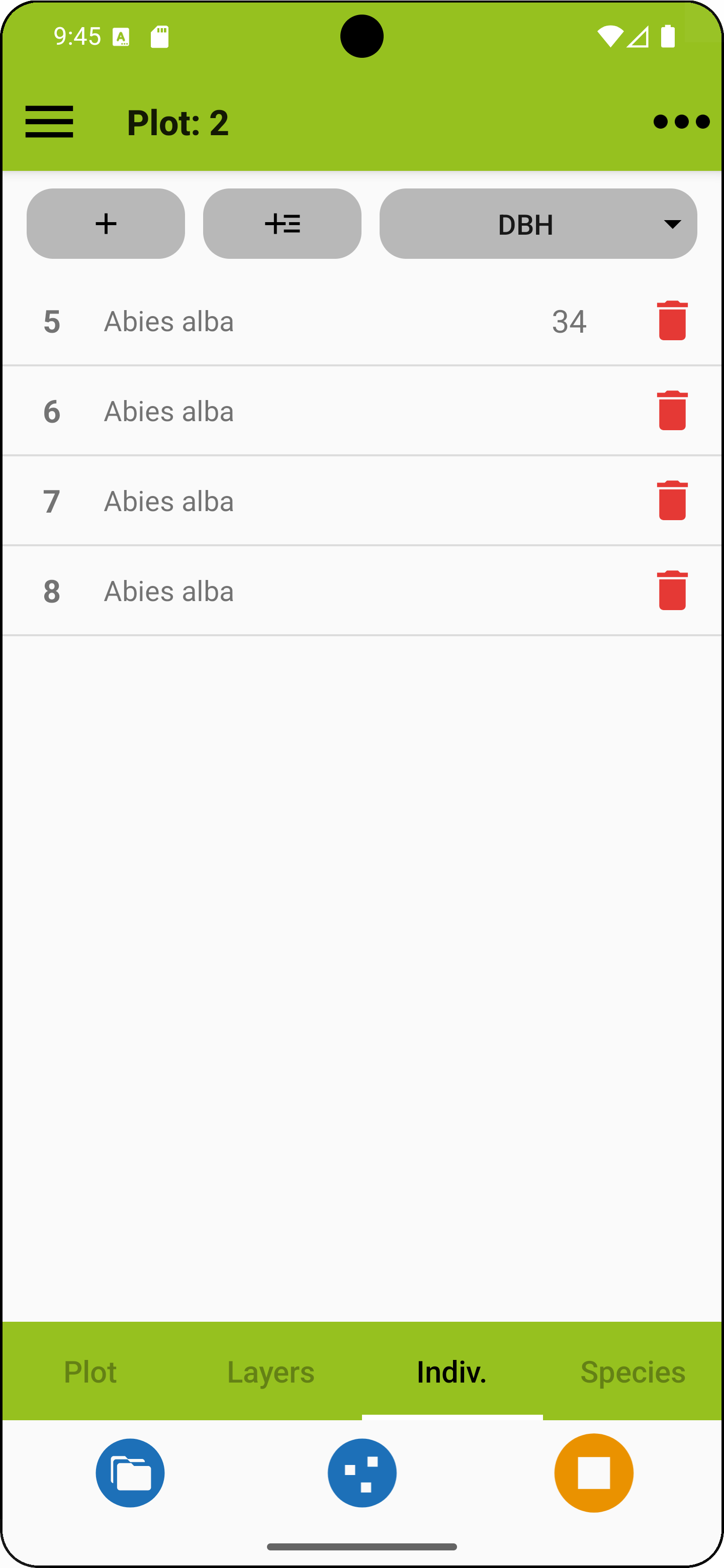
To enter, edit or delete plant individual records, open the Indiv. tab in the plot observation screen. The tab shows a table with the records along with their ID and an additional, selectable attribute.
The first plus-button is for a fast entry of individuals just with their taxon name and taxon concept. The second plus button opens the record view for a new entry. To edit an existing entry in the record view, briefly tap on the respective row.
The right button on top allows to select an additional attribute column. If an attribute has been selected, its values can be directly entered in the individuals list by pressing and holding in the value column. Individuals attributes can be activated in the project profile. It is also possible to add up to ten custom attributes, which can be shown here as well (one at a time).
In fast entry mode, The ID is added automatically but can be changed in the record view. By selecting "Save & Next", individuals can be quickly entered one after the other for later editing. With certain species lists, nested taxon concepts occurring together in a project (like a subspecies and its species) are flagged with orange dots.
 |
Add an individual in fast mode. |
 |
Add an individual using the record view. |
 |
Delete individual. |
 |
Indicates nested taxa (availability depends on species list). |
HOME UP
Privacy Policy, Contact, Impressum